Need Help?
+ 66 63 370 1999

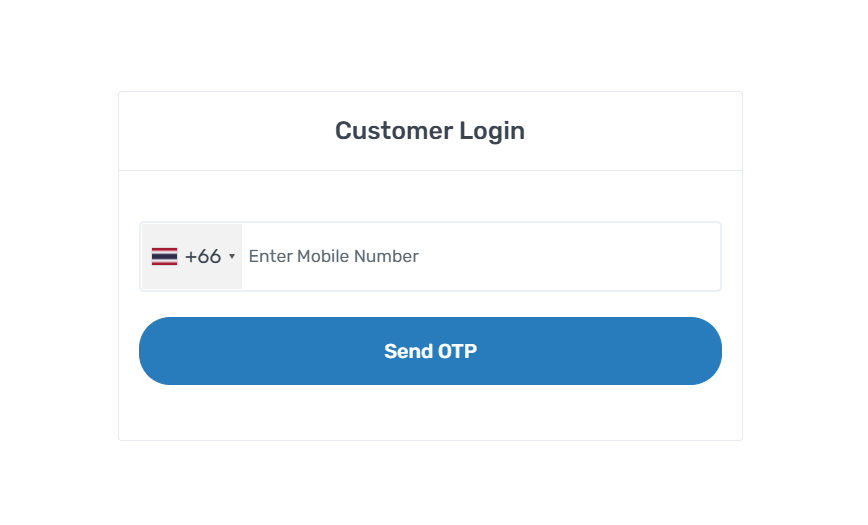

In order to book a sightseeing or taxi, you will need to log in to your existing account or register as a new customer. This is essential to facilitate your booking and ensure a personalized experience.
Whether you're a new or existing user, you'll be logged in instantly after verification.
New users can complete their profile later for a more personalized experience.
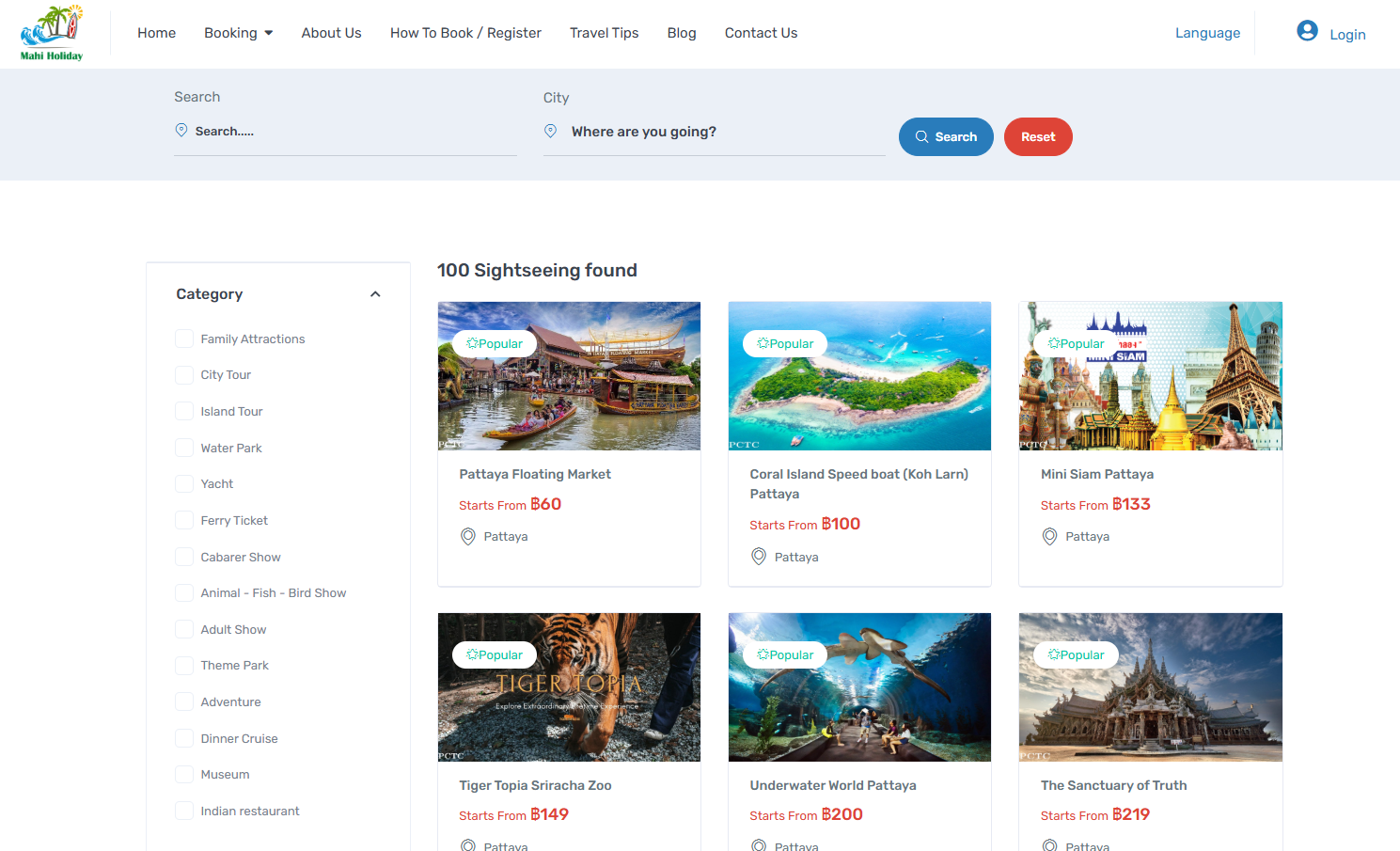

Once you're logged in or registered, you'll have access to our range of services, including sightseeing and taxi bookings. Browse through the options and select the service that suits your travel plans.
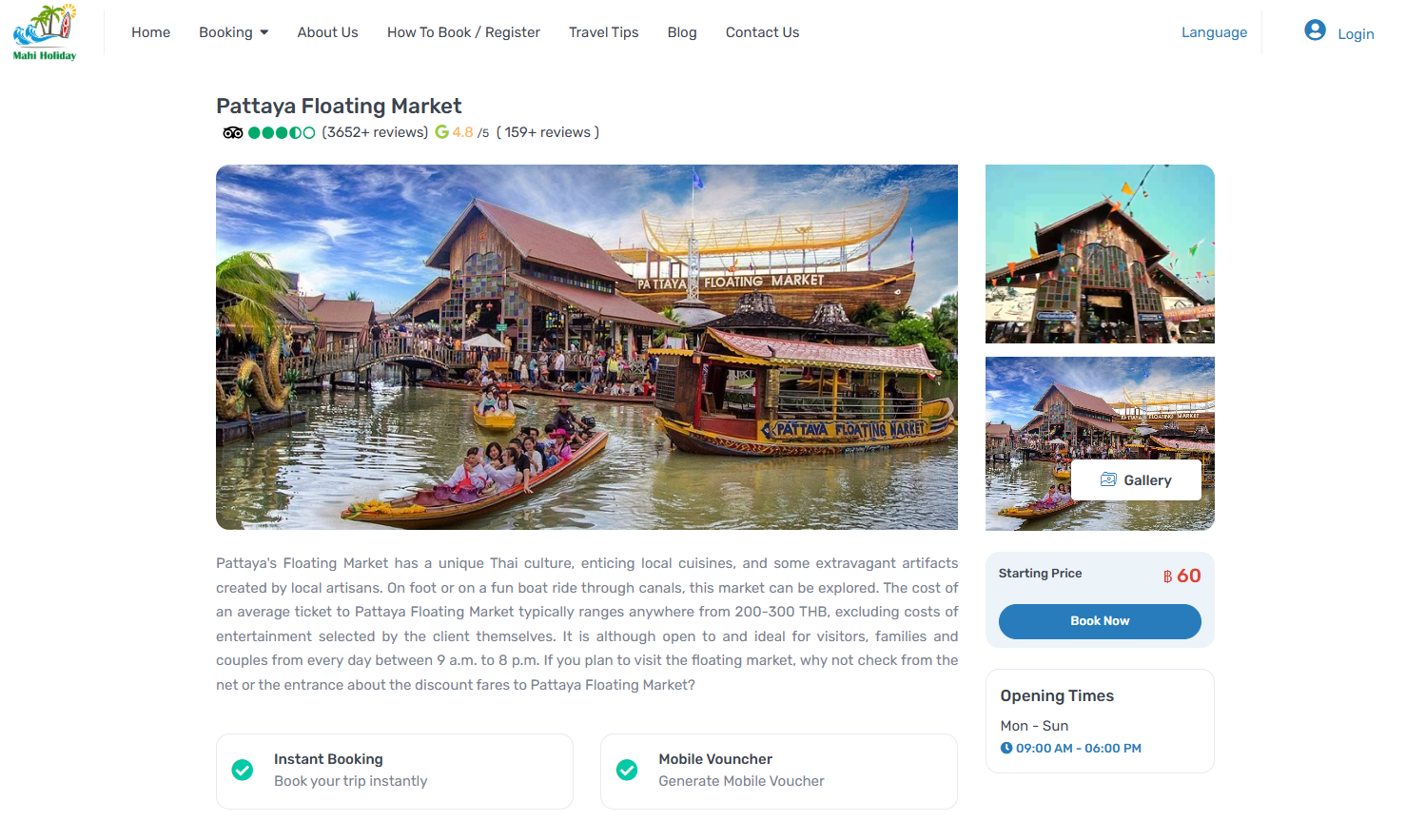
Click on the specific sightseeing or taxi service that you wish to book. This will take you to the booking page for that particular service.
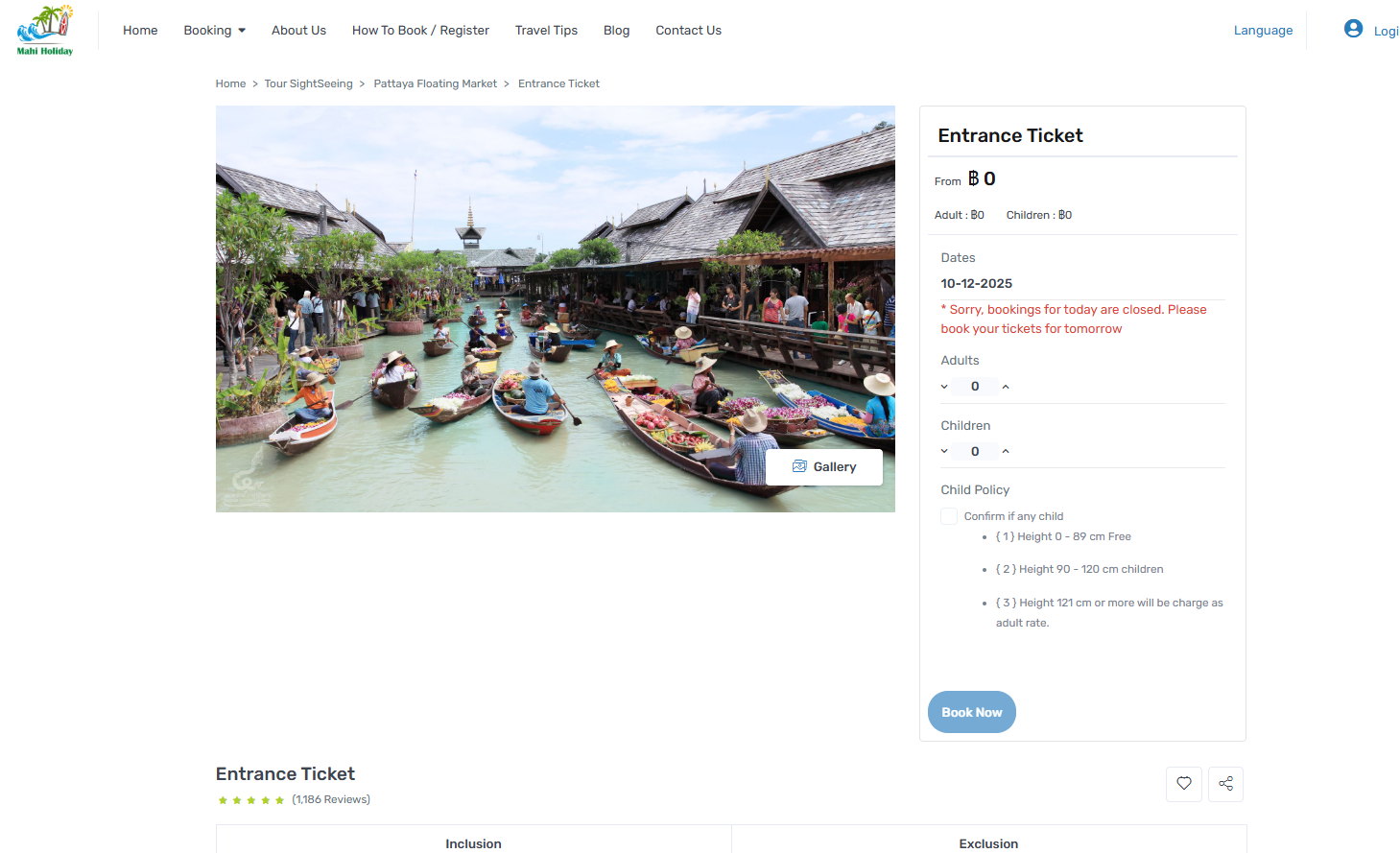
Customize your booking by selecting options such as the number of participants, travel dates, pickup/drop-off locations, and any additional services or preferences you require.
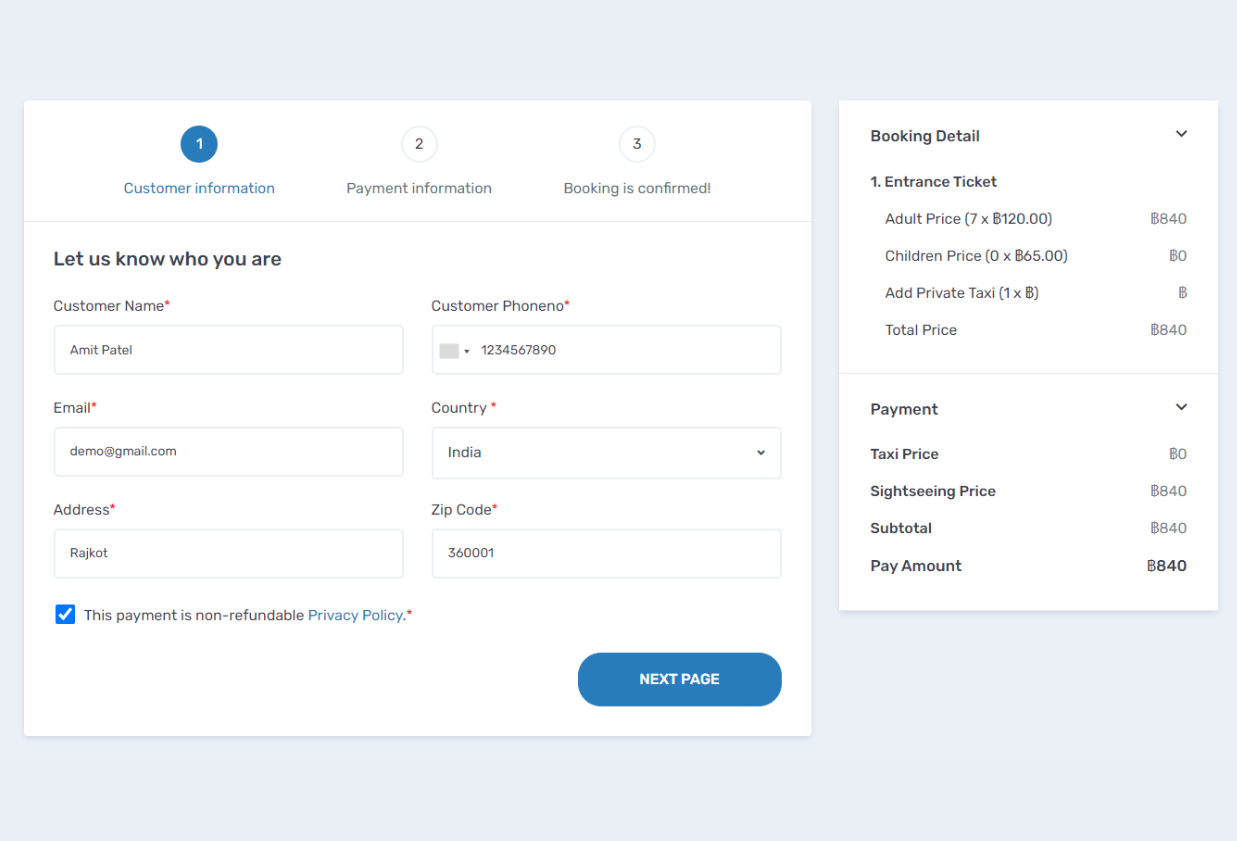
Once you've configured your booking to your liking, click the "Book Now" button to proceed to the next step.
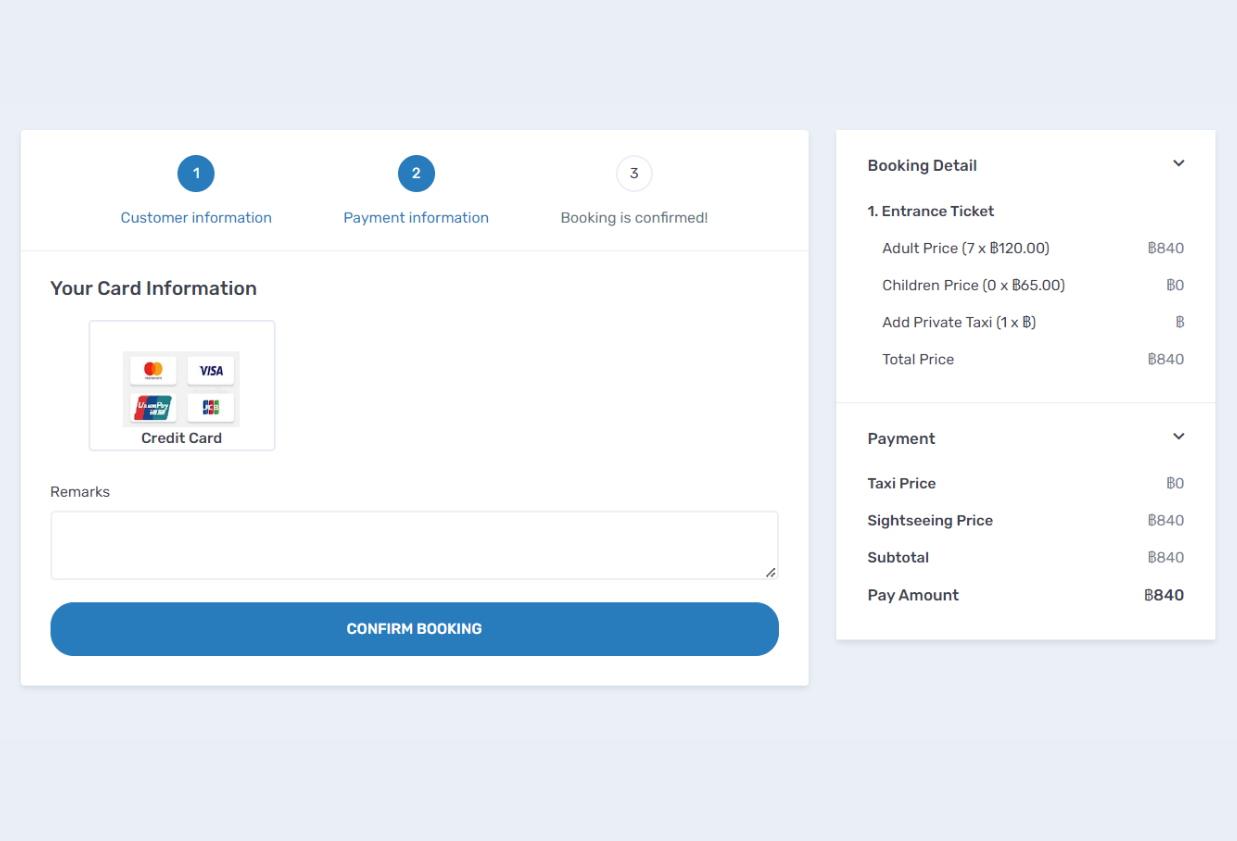
Select your preferred payment method (e.g., credit card, debit card, bank transfer) and enter the required payment details.
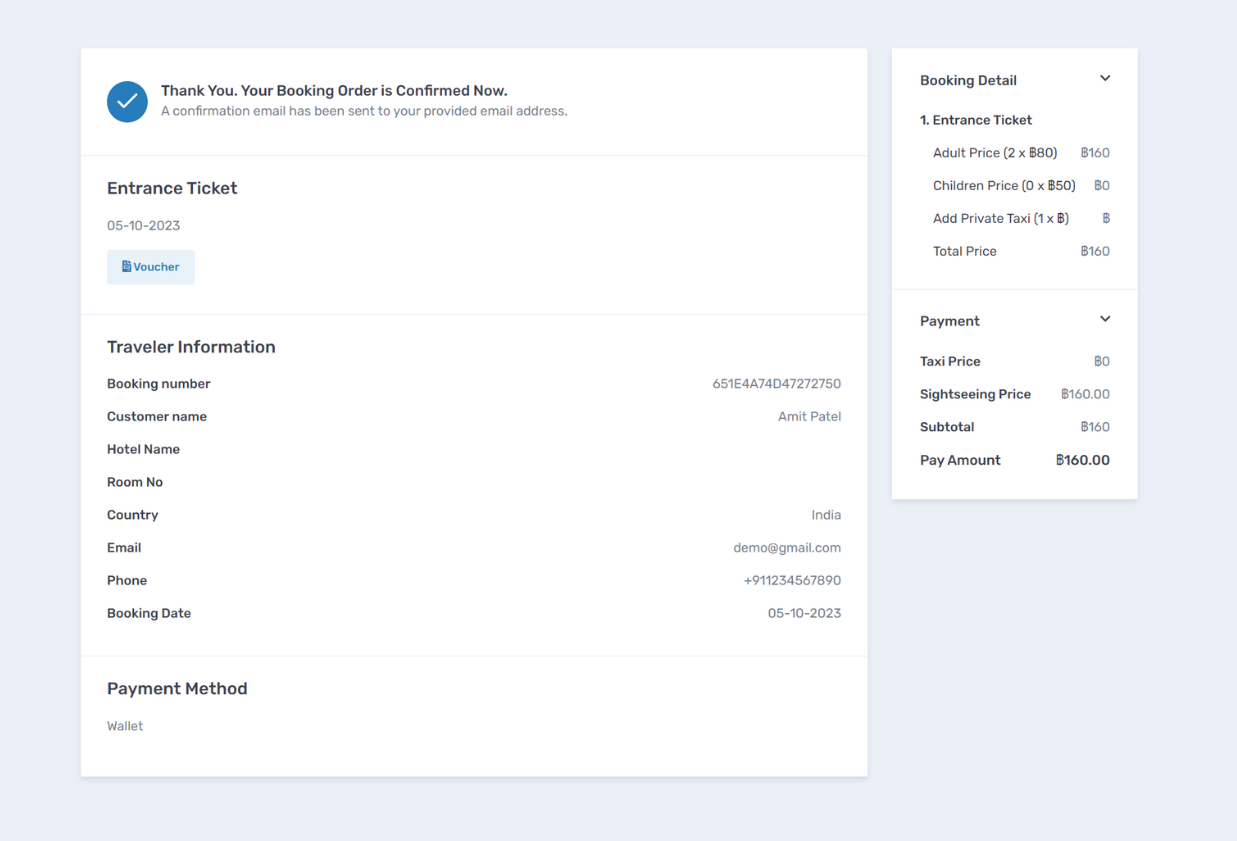
Review your booking and payment details one last time. If everything is correct, click the "Confirm Booking" button.
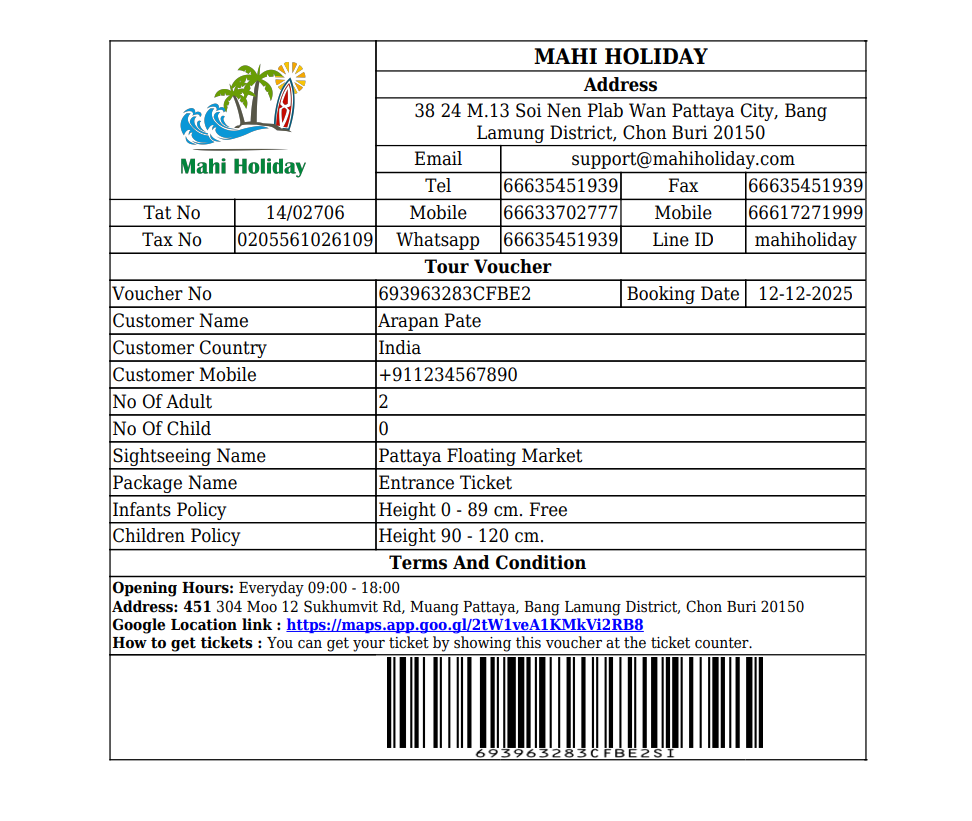
Upon successful booking, you will receive a confirmation email containing your booking details and an E-voucher. Keep this email and E-voucher for your upcoming trip.

On the day of your booked sightseeing or taxi service, present your E-voucher to the service provider or tour guide. Follow the instructions provided in your confirmation email for a smooth and enjoyable experience.
 English
 China
(PRC)
China
(PRC) Thai
Thai Hindi
Hindi Russian
 Japanese
 Korean